Apple Staff Favorite · For iPad
Polychord
A full band at your fingertips.
The Instrument
Polychord turns your iPad into a chord instrument
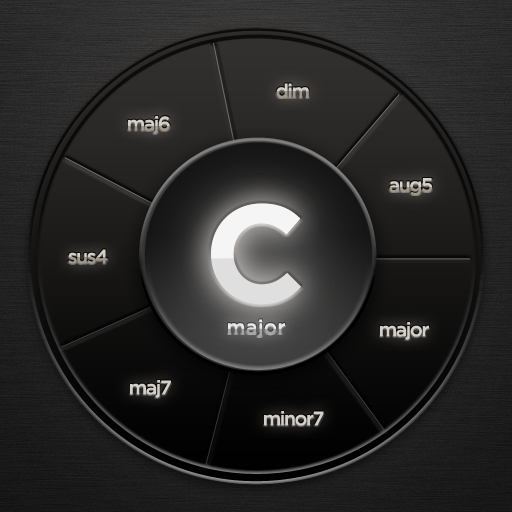
Nine chord circles hold every chord in your key — arranged so the right one is always under your fingers. Tap a circle to hear it, and the ring around it offers the colors: sevenths, sixths, suspensions. Strum across the keys like a harp. You can't hit a wrong note, and you never have to stop and think.
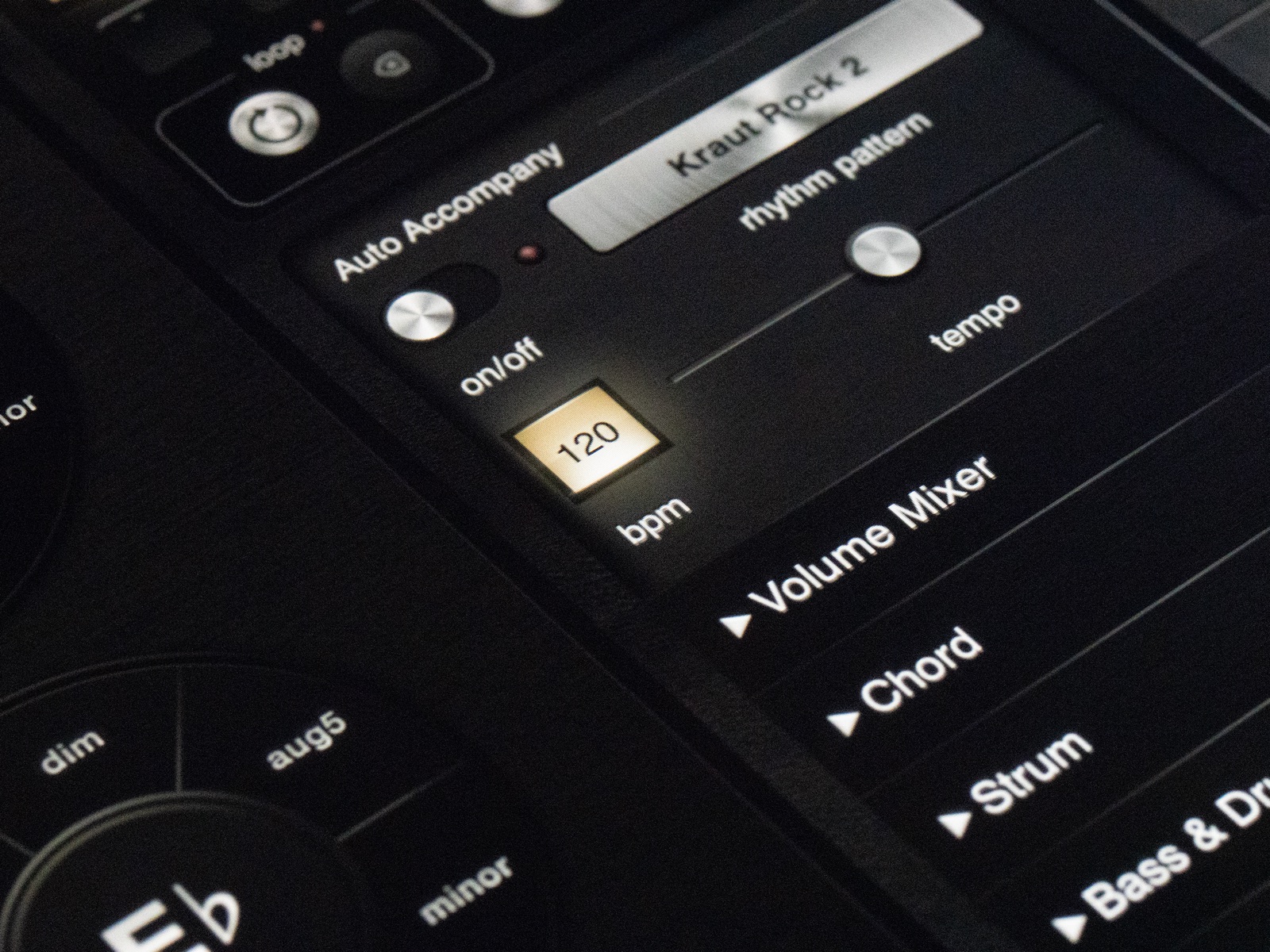
Flip on Auto Accompany and a rhythm section falls in behind you: bass and drums that follow every chord change you make, in styles from folk to funk to krautrock. One finger becomes a band.
Whether you've played for twenty years or never learned an instrument, Polychord closes the gap between imagining music and making it.
Chord Circles
Nine circles covering the full harmony of any major or minor key, with sevenths, sixths, suspensions, and more on the ring around each one.
Chord Palettes
Palettes for folk, jazz, gospel, bossa nova, soul, cinematic, and more — new harmonic territory, one tap away.
Strum Keys
Strum across the keys like a harp, with pitch bend. Everything stays in key.
Auto Accompany
Bass lines and drum patterns that follow your chords, with adjustable tempo and rhythm patterns.
Arpeggiator
Adjustable direction, rate, and octave span — from gentle rolls to driving patterns.
Wavetable Synth
Built-in synth engine with ADSR envelopes, filter, delay, and bitcrusher.
Record & Loop
When something good happens, hit record. Loop, layer, and bounce your performance to audio.
Multi-track MIDI Export
Export chords, strum, bass, arpeggiator, and drums on separate tracks, ready for your DAW.
Watch
See it in action
Two minutes with Polychord says more than any feature list.
In the Studio
Polychord comes with you
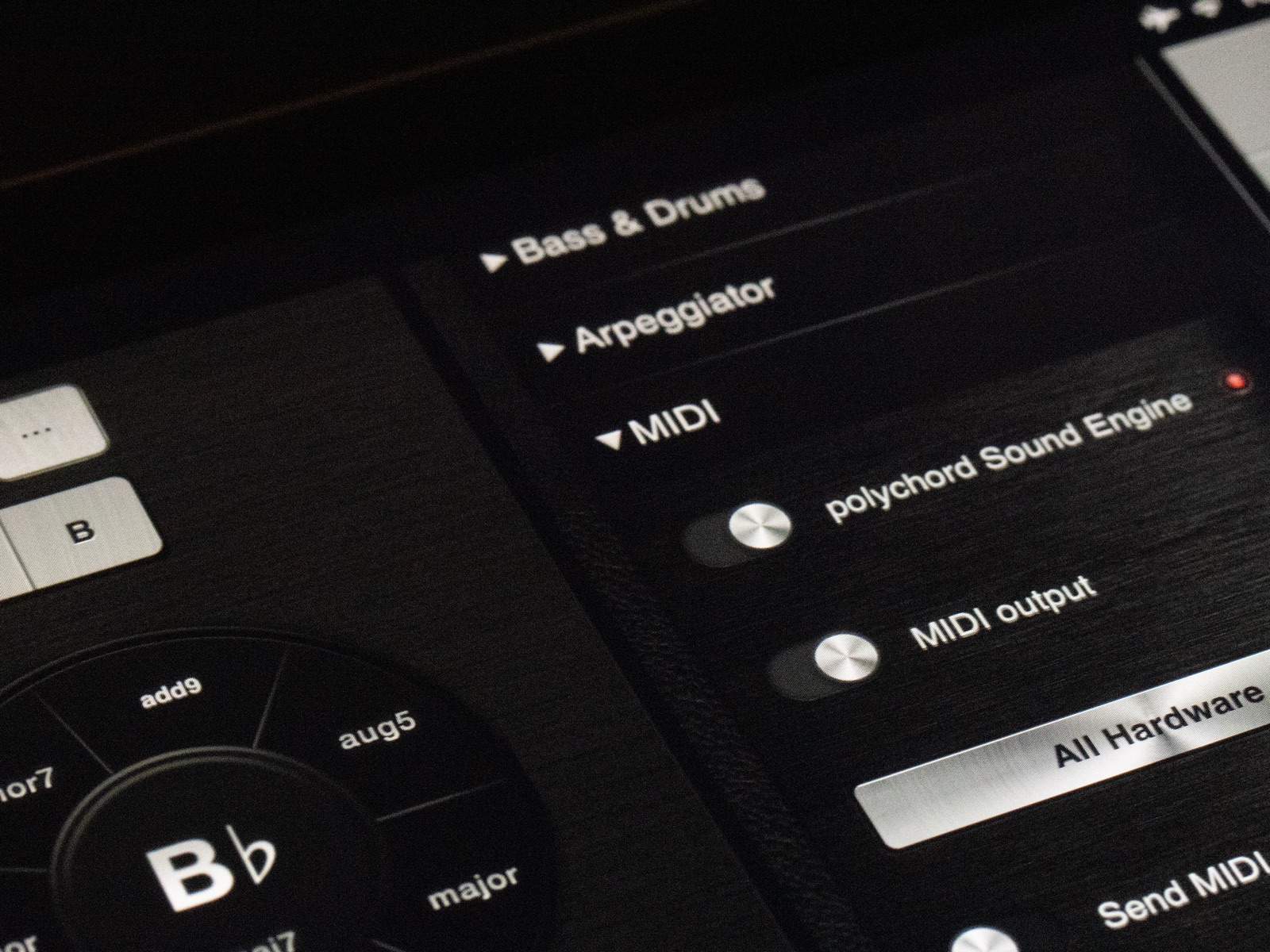
The AUv3 MIDI-effect plugin puts the chord grid inside DAWs like Logic Pro that support MIDI effects — and MIDI in and out means Polychord can play, or be played by, everything else you own.
Trigger chords from a hardware keyboard. Split your MIDI output to drive multiple instruments at once. Bounce a sketch to audio, or hand your DAW the whole arrangement as multi-track MIDI — chords, strum, bass, arpeggiator, and drums, each on its own track.
One-time purchase. No subscription, no in‑app purchases, no account.
Your music stays yours
"An inspiring way to create music."— Engadget
"One of the most straightforward to use apps I've seen."— Palm Sounds
Apple Staff Favorite

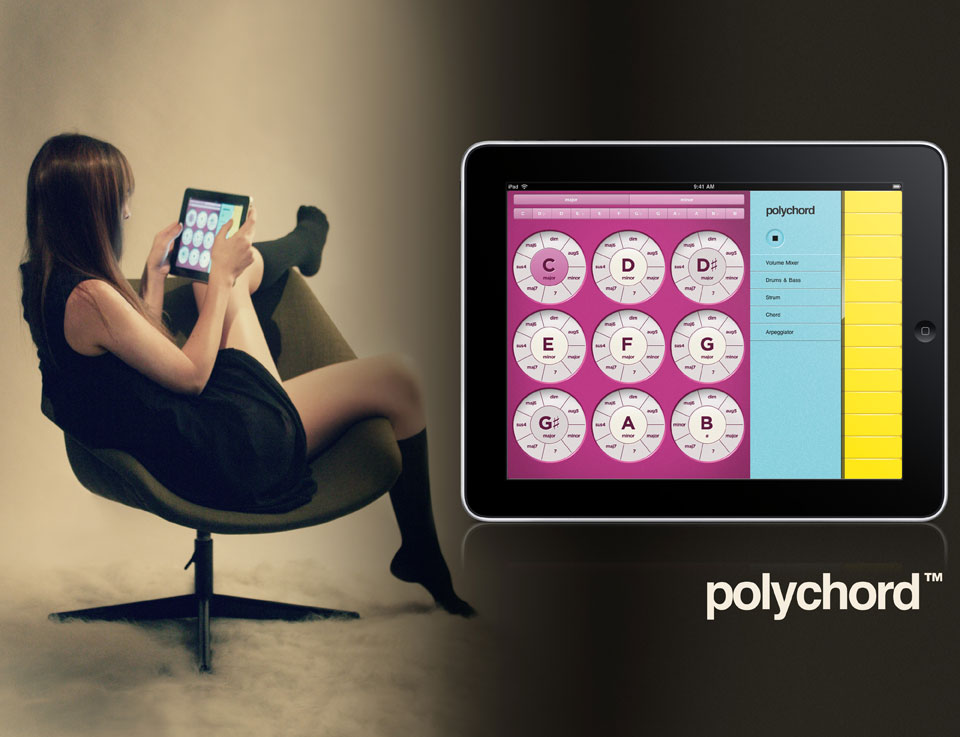
Image Archive
Our earliest ads, from 2010 — when the iPad was brand new.
Available Now
Rediscover the joy of play
Polychord for iPad. Now better than ever.